
Information:
Ollama vs Alternatives: Compare the top private LLM deployment frameworks. Find the right tool for your hardware, workflow, and privacy needsThe idea of running Large Language Models (LLMs) locally has moved from being an experimental passion to an absolute requirement for developers, enterprises, and those who value privacy. Running these models solely through cloud-based APIs presents various limitations such as high recurring expenses, latency issues, and serious data privacy problems.
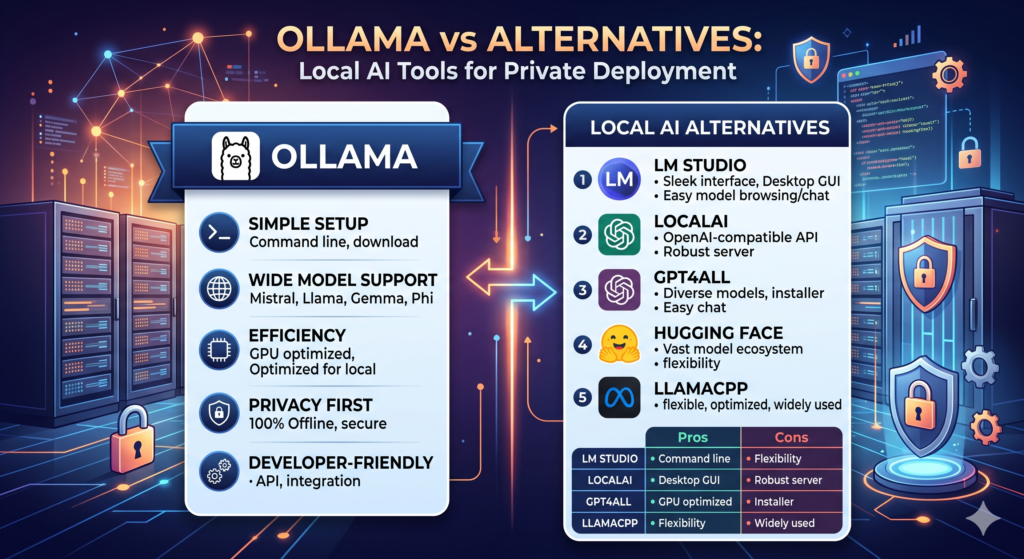
In case you opt to run your local open-source LLMs, including Meta’s Llama family, Microsoft’s Phi, or DeepSeek’s reasoning models, the local runtime that you will use is the perfect intermediary between your hardware and your work routine. Ollama rightly became the de-facto standard for deploying local LLMs in seconds. Nevertheless, there are a few highly competitive options available, which are aimed at totally different purposes.
This article reviews Ollama versus alternatives from the viewpoint of their design principles, interface advantages, and hardware efficiency in order to help you select the best option for your environment.
Core Ecosystems: Ollama vs Alternatives Explained
While almost all local AI deployment tools rely on the same high-performance inference engine under the hood (llama.cpp for multi-platform CPU/GPU processing or Apple’s native MLX framework), the user experience, layout, and control layers they place on top vary drastically.
Ollama: The Lightweight Developer API:
Ollama is designed with a developer-first philosophy, operating primarily as a command-line interface (CLI) and an always-on background service. It simplifies model management by treating LLMs like software containers. Pulling, updating, or running a model requires only a single terminal command. Once active, Ollama exposes a highly stable, OpenAI-compatible REST API gateway. This makes it incredibly easy to hook up your local models to external scripts, custom apps, and automated coding extensions.
LM Studio: The Ultimate Desktop App
LM Studio sits on the completely opposite side of the spectrum by offering a fully visual, self-contained desktop Graphical User Interface (GUI). It is custom-built for users who want to avoid the terminal entirely. The application features a direct, built-in connection to Hugging Face, allowing you to visually browse, search, and download thousands of model variations and different quantization levels. It provides a clean, ChatGPT-like chat window out of the box along with structured control sidebars.
vLLM: The Production-Grade Serving Engine
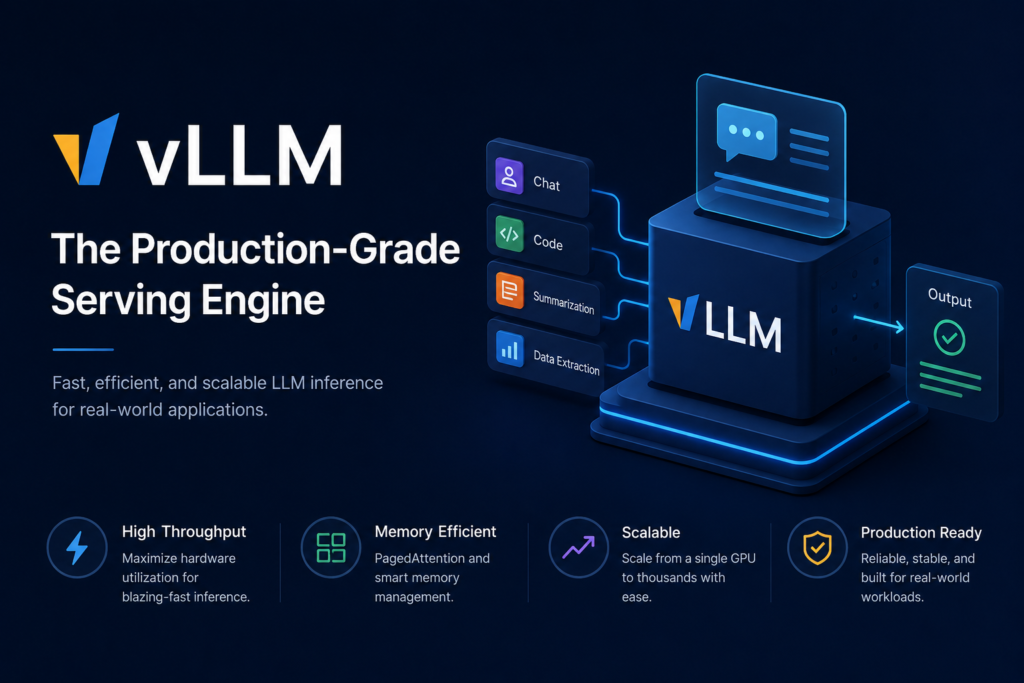
When workflows transition from individual experimentation to handling real application traffic, enterprise-grade tools like vLLM become essential. Developed specifically for high-throughput environments, vLLM focuses entirely on speed, processing optimization, and massive multi-user handling. It excels in server configurations or network-attached workstations where dozens of concurrent requests hit the model at the exact same moment.
Text-Generation-Webui: The Advanced Custom Dashboard
Often called the Swiss Army Knife of local text generation, this browser-based platform is engineered for absolute control. It does not hide complex settings behind simplified buttons; instead, it exposes every raw generation parameter directly to the user. It natively supports a massive array of model loading backends (such as ExLlamaV2, Hugging Face Transformers, and llama.cpp) and features a rich plugin ecosystem for workflows like training custom LoRA layers.
2. Technical Feature Matrix: Ollama vs Alternatives:
Selecting the right environment requires understanding how these tools manage requests, ingest model files, and connect to your software stack.
The structural table below details these major differences across the core runtime platforms:
| Feature / Architecture Metric | Ollama | LM Studio | vLLM | Text-Gen WebUI |
| Primary Core Interface | Command Line (CLI) & API | Desktop App (GUI) | Python API / Docker Container | Browser-Based Dashboard |
| Target User Base | Developers & Automators | Testers, Writers & Casual Users | Production Systems & Teams | Power Users & AI Hackers |
| API Compatibility Layer | Native OpenAI Endpoints | Toggleable OpenAI Server | Native OpenAI Server | OpenAI & Custom JSON-RPC |
| Model Weight Ingestion | Curated Ollama Registry | Direct Hugging Face Search | Hugging Face ID / Paths | Manual URL or Local Directory |
| Supported File Formats | GGUF (Packaged internally) | GGUF, MLX | AWQ, GPTQ, Full FP16 | GGUF, EXL2, GPTQ, AWQ, HF |
| Deployment Mode | Headless Background Service | Standalone Desktop App | Cloud Workstation / Server | Local Web Server Backend |
3. Hardware Optimization and Model Matching:
Here is the list of all possible hardware configurations that you may use and the list of recommended local frameworks and optimized models for each of them:
| Hardware Configuration | Available / Recommended | Local Framework | Optimized Model Selections | Primary Technical Use Case |
|---|---|---|---|---|
| 8 GB – 16 GB Unified RAM (Apple Silicon M-Series Mac) | Available | LM Studio (native MLX) | Llama-3-8B (Q4), Phi-4-mini | Lightweight copywriting, basic document interaction, and testing |
| 12 GB – 16 GB VRAM (NVIDIA RTX 4070 / 4080 PC) | Recommended | Ollama | DeepSeek-R1-Distill-14B, Qwen-3-14B | Real-time code autocomplete, data structuring, and local RAG workflows |
| 24 GB VRAM (NVIDIA RTX 4090 or 64 GB+ Mac) | Recommended | Ollama or Text-Generation-WebUI | Llama-3-32B, DeepSeek-R1-Distill-32B | Deep logical reasoning, localized programming, and data analysis |
| Enterprise Multi-GPU Rigs (Dedicated Server Clusters) | Enterprise | vLLM | Llama-3 (70B+), DeepSeek-R1 (70B+), Qwen-3-72B | High-throughput inference, enterprise-scale AI deployment, large-scale RAG, and production workloads |
4. Final Decision Framework
To determine exactly where to invest your pipeline setup time, use this direct breakdown to match your goals to the correct architecture:
Choose Ollama If:
You are a developer, programmer, or system administrator who prefers an invisible, lightweight tool. Ollama runs quietly in the background and is the absolute best choice if you intend to link your models to coding assistants inside your code editor (like Continue, Aider, or Cursor) or write automated scripts that process files locally.
Choose LM Studio If:
You want a clean, simple, and visual user experience without dealing with terminal commands or configuration scripts. It is the perfect interactive sandbox for evaluating multiple model versions, testing different prompts, and chatting with documents via a premium graphical interface.
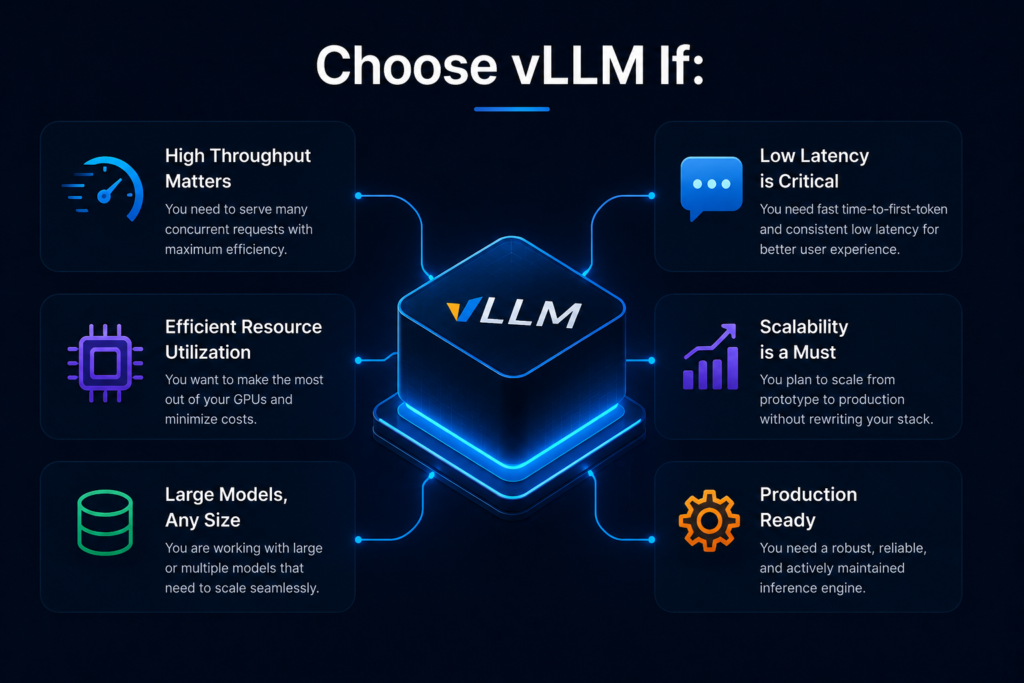
Choose vLLM If:
You are building applications meant for an entire office network or customer-facing setups. It is explicitly optimized to prevent system crashes during high-traffic spikes and handles simultaneous API calls far better than any desktop tool.
Choose Text-Generation-Webui If:
You want full technical freedom over your graphics hardware. If you frequently download raw raw model formats, experiment with hyper-niche generation parameters, or want to fine-tune AI weights on your machine, this playground provides the depth you need.
Conclusion
In conclusion, choosing the right local AI tool depends on your needs, hardware, and privacy requirements. Ollama is an excellent choice for users looking for a free, simple, and private way to run AI models locally. However, alternatives may offer better performance, advanced features, or enterprise capabilities for specific use cases. Evaluating your goals and system resources will help you select the best solution for private AI deployment.