

Introduction
Running a wellness studio is a lot of work. You used to need a lot of tools to keep everything going. You needed one tool for bookings another tool for payments a spreadsheet for reporting and a text thread for client questions. The Arketa dashboard changes all of that. It puts everything on one screen. For yoga studios Pilates spaces, gyms and big fitness brands with locations the Arketa dashboard is the main control panel. It helps you run the business, not just the class schedule.
Most people who own a studio do not want to spend their time dealing with software. They open a studio because they want to teach yoga or Pilates train people or build a community around exercise.. Then spend a lot of time fighting with scheduling problems chasing people who have not paid or trying to figure out which classes make money. The Arketa dashboard is here to help with all of that. It takes care of the tasks so you can focus on the parts of the business that are really important.
This guide will tell you what the Arketa dashboard does. It will tell you what is new with the redesign. It will also tell you where the Arketa dashboard is really good and where it needs some work. The guide is, for real studio owners who use the Arketa dashboard.
What Is the Arketa Dashboard?
At its core, the Arketa dashboard is the back-office command center behind Arketa’s booking and studio management platform. It’s where owners and staff manage classes, clients, payments, marketing, and reporting from one login, whether they’re sitting at a front desk or checking things from a phone between sessions.
Arketa itself grew out of an earlier product called Sutra Pro. Arketa migrated studios that used Sutra over to the new platform, and the dashboard underwent a full rebuild in the process rather than a simple rebrand. That transition brought a noticeably different interface, along with a much wider set of automation tools than the earlier version offered.
The platform positions itself as an alternative to legacy studio software like Mindbody, and several studio owners specifically cite switching away from older platforms as the reason they landed on Arketa. The pitch is straightforward: fewer separate tools, less manual admin work, and a dashboard that actually reflects how a modern wellness business operates day to day.
Core Features Inside the Arketa Dashboard

Arketa Appointment and Class Booking
The booking calendar is the thing you see when you are inside the dashboard. It has lots of options to filter things and buttons to do things quickly next to each clients information. This way the staff can easily take care of appointments that have not been paid confirm that clients have signed the papers and switch between different views of the calendar without having to search through menus. If a studio has than one type of room like a workout room and a sauna they can set up each room separately and use them independently so they do not accidentally book the same room twice.
Client Profiles on Arketa Dashboard
Each client has their profile that can be kept open on the side of the screen while the staff are doing other things. From this profile the staff at the desk can stop or put a membership on hold add money to a clients account look at their past bookings and clear up any money they owe without having to switch screens. For studios that get a lot of people walking in and asking to change their bookings this kind of profile that shows everything in one place really helps cut down on the time the staff spend going forth.
Point of Sale
The system for taking payments is designed so that the staff do not have to leave the payment screen to find something. They can see client profiles, reports and the list of people who have checked in for a class from the same screen. They can also change prices and quantities apply discounts and keep track of which staff member made a sale. This is useful for studios that pay their staff based on how much they sell. The payment system also works on devices so smaller studios or classes that are held in different places can take payments from a tablet or phone instead of a fixed payment terminal.
Automated Policy Enforcement
When clients cancel at the minute or do not show up this can cause studios to lose money. The dashboard deals with this by charging clients who cancel late or do not show up. Once the studio sets up the rules, the system applies the charge and sends an email to those clients and sends an email to the clients who will be charged. The staff, at the front desk do not have to spend time chasing down late fees or explaining charges to clients. The Appointment and Class Booking system. The Automated Policy Enforcement work together to make sure that the studios Appointment and Class Booking policies are followed.
Reporting and Analytics
The dashboard has a tool that collects data on how classes are doing what people are paying, when they come and how much money the studio is making. Studio owners can see all this information in one place. Choose what they want to see first. They do not have to move numbers to a document to see what is going on. This is really important because a lot of studio owners make decisions based on what they think not what the numbers say because it was too hard to get the numbers in their system.
The Customizable Homepage
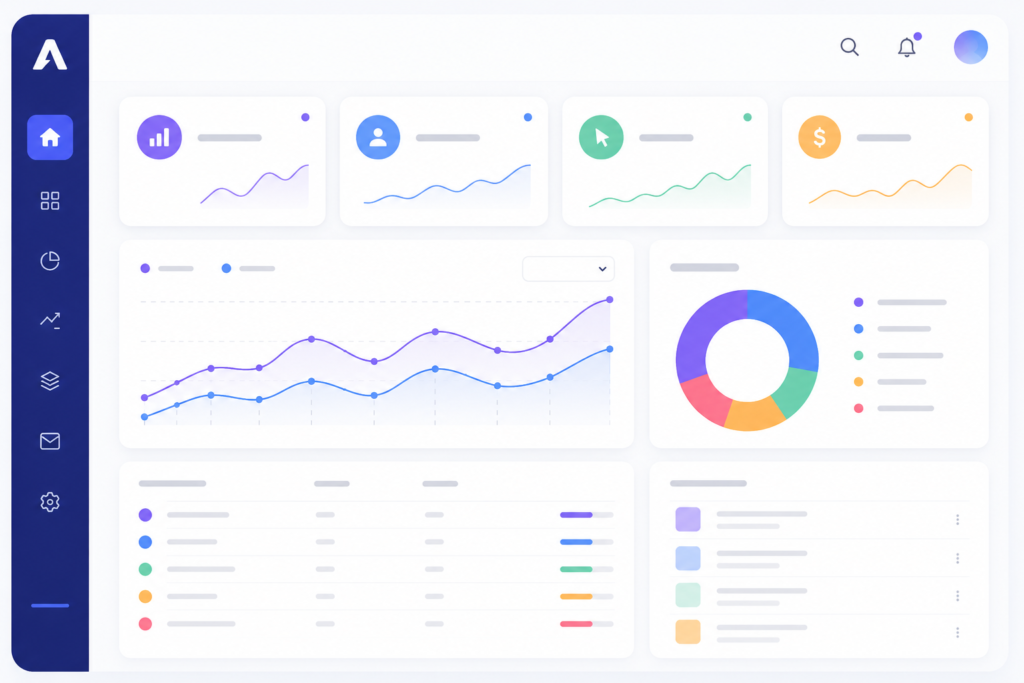
Something new on the dashboard is a homepage that owners can change to fit how they work. There are parts on the homepage that owners can move around. These parts include a place that shows when something is wrong like when someones payment does not go through or when a classs almost full. There is also a place that shows what is coming up next and a place for the reports that owners look at the most. Each part of the homepage lets owners take action away so they can talk to a client change something or ask for a different teacher without leaving the homepage.
The Customizable Homepage is very helpful for studio owners. They can make it work the way they want it to. This makes it easier for them to do their job.
Multi-Location Management
For studios that have than one place the dashboard can handle everything. Each place can have its setup and way of advertising but the owners can still see everything that is going on. They can also manage the teachers schedules. Pay from one place, which is really important when the business gets bigger and has many locations. Reporting and Analytics is also important, for Multi-Location Management because studio owners need to know how each location is doing. The dashboard makes it easy for them to see how their studio is doing and make decisi
What Studio Owners Say About Arketa Software
Reviews of the platform are largely positive, particularly around customer support and the breadth of automation tools, but there’s a recurring theme worth flagging: the jump from Sutra Pro to the new Arketa dashboard hasn’t been frictionless for everyone. Some longtime users who migrated over described the new interface as considerably more complex than what they were used to, with a learning curve that took real time to work through even with recorded tutorials available.
That tracks with what tends to happen whenever a platform adds this many new automations at once — more capability usually means more surface area to learn. Newer users signing up directly with Arketa, rather than migrating from an older system, generally report a smoother onboarding experience, since they’re not unlearning old habits at the same time.
Who Is the Arketa Dashboard Built For?
The dashboard is aimed squarely at wellness and fitness business owners — yoga and Pilates studios, gyms, and boutique fitness brands — rather than general-purpose scheduling needs. It supports selling more than live classes too, including on-demand video libraries, structured courses, and retreats, which gives studios a way to build revenue streams beyond just in-person sessions. The same dashboard bakes in referral tools like “Book a Friend” and automated marketing workflows.., so studios aren’t running separate software just to handle lead generation or client re-engagement.
The platform explicitly supports both multi-location franchises and single-studio operators, though the value of features like centralized location management and staff payroll tools scales up considerably once a business has more than one physical site to run.
Getting Started and Pricing
Arketa doesn’t publish a single flat price across the board, since studio needs vary widely by size, number of locations, and which features are actually in use. Anyone evaluating the platform should go directly to Arketa for a current quote and a live walkthrough of the dashboard, rather than relying on older pricing figures that may not reflect what’s currently offered.
How Arketa Dashboard Differs from Older Studio Software
When studios switch from Mindbody or other older systems they notice the difference away. The way information is organized is just simpler. Older systems usually have sections for booking, payments and reports. These sections do not work well together so staff have to enter the client information multiple times.
The Arketa dashboard does things differently. It uses one record for each client. This record follows the client everywhere. When they book a class, when they pay, when they become a member and when they talk to the studio.
This way of doing things also makes marketing easier. Studios do not have to export their client list to another tool to send emails. Instead they can use the information that is already, in the dashboard to send automated texts and emails. For example the studio can send a text to a client who has not booked a class in three weeks. They can also ask for a Google review after a client checks in for a class. The studio does not have to use two systems to do these things. The Arketa dashboard makes it all work together.
Frequently Asked Questions
- Is the Arketa dashboard mobile-friendly?
Yes it is. The point-of-sale system and the main dashboard work well on a phone or tablet. This is important for studios where staff’re on the floor more than at a desk.
- Can I manage than one studio location from a single account?
Yes you can. The dashboard lets you manage locations from one account. You can set up each site differently. Still get combined reports and payroll.
- Does the dashboard replace the need for marketing software?
For studios yes it does. The dashboard has email and text automations, referral tools and review generation built-in. You do not need a marketing platform.
- What if I’m migrating from Sutra Pro or another platform? Arketa supports migrations.
- However it may take some time to get used to the interface especially if you were using a simpler layout. Plan for a weeks to adjust and use the available tutorials and support chat.
Conclusion
The Arketa dashboard tries to solve a problem: studio owners spending too much time switching between different tools instead of running their business. It mostly works. The booking calendar, POS, reporting and client management are all in one place. The customizable homepage is also very useful for staff who want their used tools easily accessible.
The downside is that it can be complex. A platform with this features will not feel simple right away. Some users felt this change when moving from Pro. For studio owners though the dashboard is a good all-in-one solution for running a modern wellness business. Booking, payments, marketing and reporting are all in one place, on desktop or phone.